
One click to seat everyone — what it considers, the AI option, and how to fine-tune.
Smart Seating gives you a sensible seating plan in one click. At its core it's a constraint-satisfaction algorithm: it scores the possible placements and picks the best arrangement it can find.
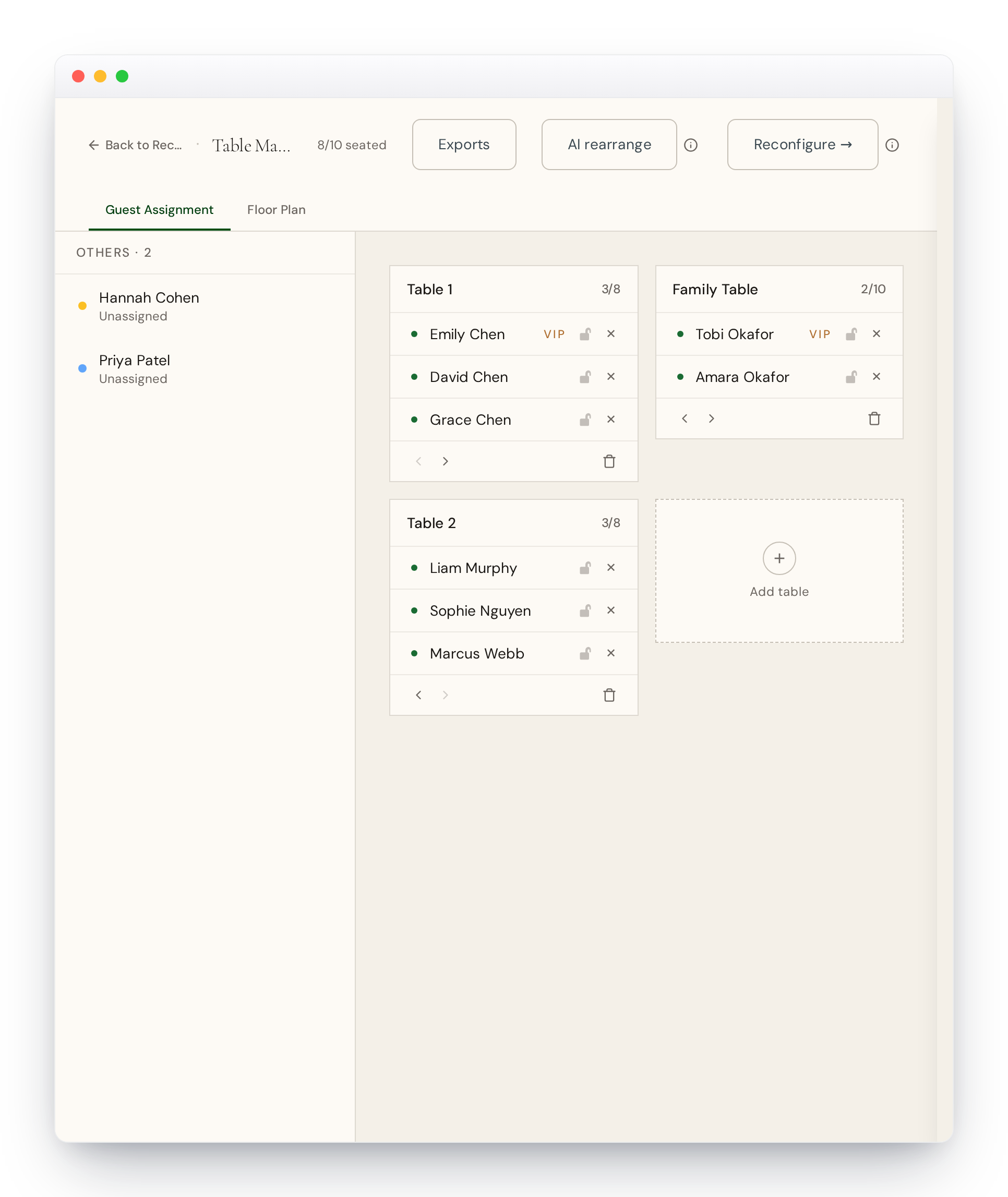
What it considers
- Groups and families — people in the same group are seated together
- List proximity — guests near each other in your original list are often related
- Conflicts — anyone marked "do not seat together" is kept apart
- VIP distribution — VIPs are spread across tables so every table has a highlight
- Table capacity — tables are filled but never overflowed
The AI option
On plans that include AI, Smart Seating can go a step further — using AI to handle special tables like a head table or a family table, based on who your guests are.
It runs in the background
Seating runs as a background job, so you can keep editing guests or tables while it works — you'll see live progress for each function. You can seat everyone from scratch (Smart Seating), or keep your existing tables and just redistribute guests (AI Rearrange).
Staying in control
Nothing is locked in. After it runs, drag any guest between tables, or run it again. You can also lock guests in place first so they're never moved, which allows you to use AI Rearrange to shuffle other guests around but keep some guests in place.
Smart Seating is a starting point, not a final answer. Review the plan before your event and expect to tweak a few placements — that's completely normal.