
A gala can look effortless to guests while demanding weeks of precise coordination behind the scenes. One misplaced sponsor, an unrecorded dietary requirement or a last-minute RSVP change can affect the room, the service and the donor experience. The best [gala planning software](https://vesavo.com/blog/best-corporate-event-planning-tools) brings those moving parts into one organised workflow, so the team can spend less time reconciling spreadsheets and more time delivering a polished event.
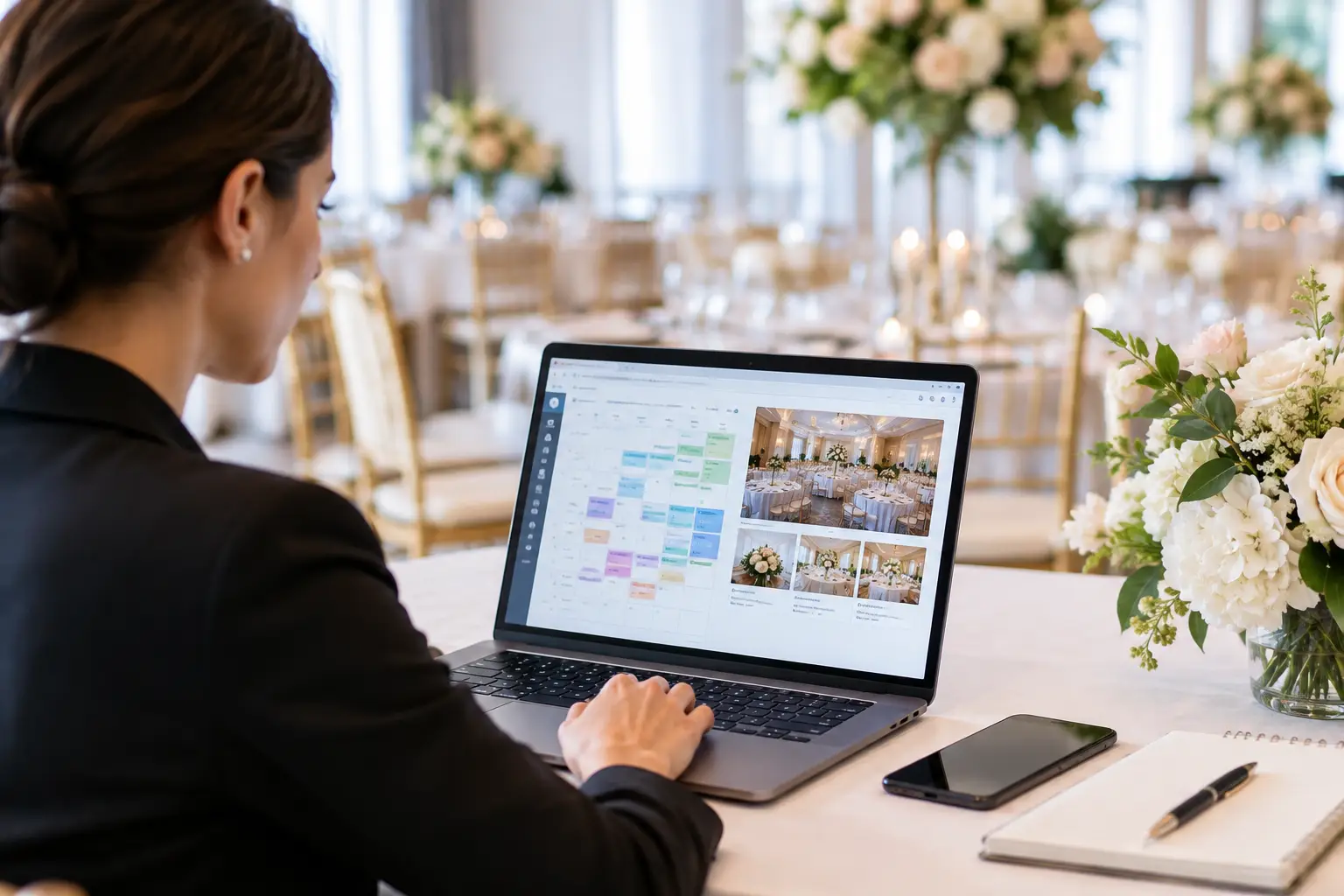
For fundraising teams, venue coordinators and professional planners, the right platform is not simply a digital guest list. It should help you manage invitations, table allocations, VIP relationships, floor plans and event-day communication without creating more admin than it removes.
What the best gala planning software should solve
Galas carry a different level of complexity from a casual dinner. Tables may be sold by sponsors, guests may attend as corporate groups, and a donor’s placement can require careful consideration. There may be trustees, speakers, award finalists, major donors, media guests and venue representatives to account for, often with competing priorities.
Good software turns these details into structured information rather than planner knowledge held in email threads. Your guest list should support custom fields for details such as organisation, sponsorship level, table host, dietary needs, accessibility requirements and relationship notes. That gives the seating process context before anyone starts dragging names around a floor plan.
It should also make change manageable. A gala seating plan is rarely final on the first pass. Guests decline, sponsors add attendees, tables are resized and the venue updates its layout. A useful system lets you revise the plan without rebuilding it each time or losing track of who has been moved.
Start with the workflow, not the feature list
A long feature list can be appealing, but the practical question is simpler: where does your team lose time now? If your main issue is chasing attendance, prioritise flexible RSVP collection and clear status tracking. If the challenge is a 400-person room with sponsor tables and VIPs, seating intelligence and floor-plan tools deserve more weight.
Most gala teams need the following workflow to work as one:
- Import guest and contact data from an existing spreadsheet or CRM export.
- Collect and monitor RSVPs, plus guest details and dietary requirements.
- Group attendees by sponsor, organisation, family, committee or table host.
- Create the room layout and assign guests with clear seating rules.
- Produce accurate table plans, place cards and guest-facing directions.
- Keep vendors and internal stakeholders working from current information.
The hand-off between these stages matters more than any individual feature. A separate RSVP tool, seating chart template and printed run sheet might work for a small event. At gala scale, every manual export increases the chance that an old version reaches the venue or caterer.
Guest-list flexibility is non-negotiable
Few gala guest lists begin in a clean, standard format. One sponsor may provide a spreadsheet with names and companies. Another may send an email. Your development team might maintain donor information separately, while the executive office holds VIP notes elsewhere.
Look for software that accepts common CSV and Excel formats without requiring a perfect template. The platform should let you map columns and retain the details your team actually uses. If you have to strip out helpful data just to complete an import, you will recreate that work later.
It is also worth checking how the system handles households and groups. A guest bringing a partner is different from a sponsor purchasing a full table. The best tools let you keep relationships visible while still giving you freedom to place people where the event strategy requires.
Seating tools need to reflect gala realities
A visual floor plan is useful, but it is only the starting point. For a gala, the software should make it easy to see table capacities, empty seats, guest status and important labels at a glance. You need to know whether a table is a major sponsor table, a board table or a mixed donor prospect table before you accidentally fill it with general guests.
Automation can help here, provided it is controllable. AI-assisted seating should account for rules you define, such as keeping couples together, placing a table host with their guests, keeping key supporters near the stage, or grouping colleagues. It should propose a sensible starting point, not make decisions you cannot explain or override.
This is where different events need different approaches. A charity ball focused on relationship-building may deliberately mix donor groups. An awards dinner may keep company teams together. A black-tie gala with substantial sponsorship commitments may reserve exact tables and seats. Your software should support each scenario without forcing a one-size-fits-all seating model.
Want to turn this guide into a real seating chart in minutes?
Vesavo handles messy guest lists and builds smart table arrangements automatically. Free for up to 50 guests.
Do not separate design from accuracy
Printed materials are part of the guest experience. A beautifully designed table plan that is already out of date is worse than a plain one that is correct. Choose software that can turn the confirmed seating plan into export-ready table charts, place cards and lists without retyping names into a separate design tool.
Canva compatibility is particularly useful for teams that want on-brand collateral. There is an important distinction, though: a downloadable Canva template still leaves someone copying and pasting guest data or QR codes by hand. A full Canva integration reduces that duplication by connecting event information with the design workflow.
Check what happens when a late change arrives. Can you update a guest once and regenerate the required materials quickly? That capability is often the difference between a calm final week and a printer deadline that becomes a crisis.
RSVP and event-day tools earn their place when they reduce chasing
Online RSVPs should be simple for guests and useful for organisers. A branded event website and QR code can make responding straightforward, while the planning team gains a live view of accepted, declined and pending invitations. The RSVP form should collect only what you need, whether that is meal choice, dietary requirements, guest names or accessibility information.
For the event itself, consider how guests will find their tables. A day-of website or seating lookup can reduce queues around a printed chart and give attendees a simple way to confirm their place. It can also support guest photos, which is a welcome addition for many social galas, provided it does not distract from the core job of getting everyone seated.
These features are not essential for every event. A small, formal dinner may prefer printed place cards only. For a large gala with multiple arrival points, they can relieve pressure on front-of-house staff and make a strong first impression.
Tip: Vesavo can do this for you automatically — just upload your list and let the AI handle groupings, plus-ones, and table balance.
Choose software your team will actually use
The best platform is not necessarily the one with the most menus. Gala teams need a clear workspace, especially when volunteers, committee members and external suppliers are involved. Features that are irrelevant to a particular event should be able to stay out of sight rather than cluttering the process.
At the same time, connected planning tools can save time when you need them. Budget, timeline and vendor tracking are useful when they link naturally with the guest and seating plan. For example, a caterer may need the latest dietary report alongside the floor plan and service timeline. A venue contact may need a revised room layout without access to every internal planning note.
Vesavo is designed around this practical balance: a guest and seating platform with optional planning tools that can be switched on only when they support the event. For teams managing a straightforward gala, that keeps the workspace focused. For more complex events, it allows vendor details, budget items and timelines to work together.
Questions to ask before committing
Before selecting gala planning software, ask for clarity on the tasks that matter under pressure. Can you import your existing file format? Can several team members review the plan without creating conflicting versions? Can you track sponsor tables and individual VIP preferences? Can the venue receive a current floor plan and dietary list? Can you export guest-facing materials without manual re-entry?
Also consider the size of your event and the support your team needs. A free entry point may be ideal for an individual host testing a workflow, while a 500-guest fundraiser needs dependable capacity, permissions and room to manage detailed seating logic. Price matters, but a low-cost tool becomes expensive if it adds hours of manual data work or creates avoidable errors.
A successful gala is built on moments guests barely notice: their name is spelt correctly, their seat makes sense, their meal arrives as expected, and the room feels intentional. Choose software that makes those details easier to manage, then let the evening feel as polished as it should.