
Generate a full seating draft in Vesavo with Smart Seating — then tweak families, conflicts, and VIP tables with drag and drop.
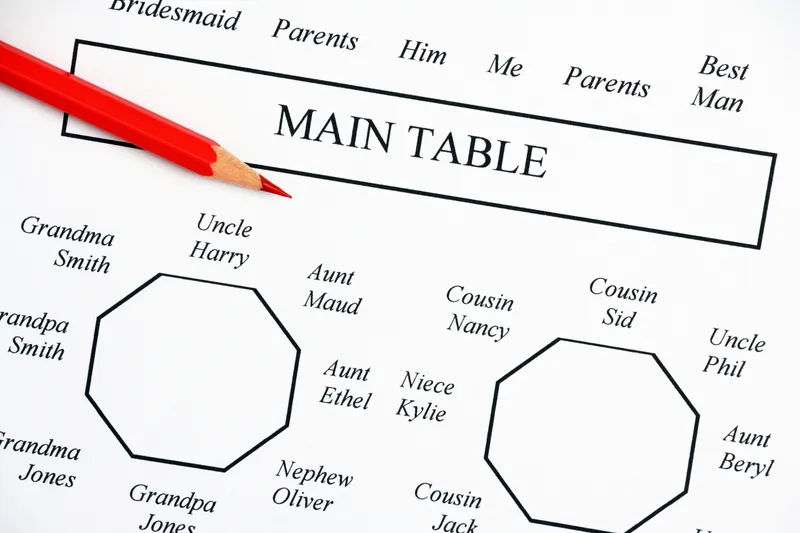
Smart Seating is Vesavo’s auto-assignment: it places guests onto tables using groups, list proximity, VIP priority, and conflicts you define — then explains the draft so you can trust it or change it. It’s a first pass, not a locked plan.
Here’s how to run it well for a wedding or multi-table event.
Want to turn this guide into a real seating chart in minutes?
Vesavo handles messy guest lists and builds smart table arrangements automatically. Free for up to 50 guests.
Prepare guests, groups, and constraints
Before you assign anything, get the guest list into good shape. Import or add guests, set group names for families and parties that should sit together, mark VIPs, and record dietary notes you’ll need later. If two people must not share a table, add a conflict relationship so the algorithm respects it.
Skip this step and Smart Seating will still run — but you’ll spend longer fixing avoidable mistakes.
Set up tables and capacities
Create the tables for the function (reception, dinner, etc.) with realistic capacities. Match your venue: rounds of 10, long tables of 12, a head table with a fixed count. Smart Seating only places people where seats exist, so overfull or missing tables will block a clean result.
Choose the function and open seating
Events in Vesavo can have multiple functions (ceremony vs dinner). Open the function you’re seating and go to the seating or table assignment view. Confirm you’re looking at the right guest set — declined RSVPs shouldn’t fill scarce seats if you’ve filtered them out of the attending list.
Run Smart Seating
Start Smart Seating (auto-assign). Vesavo places unassigned guests using its scoring rules: keep groups together, avoid conflicts, spread VIPs when that helps, and respect capacity. When it finishes, review the explanation or summary so you understand why clusters landed where they did.
You can re-run later after list changes; treat each run as a new draft you can still override.
Review and drag to fix edge cases
Walk the plan table by table. Check divorced parents, speech-givers, accessibility needs, and “must be near the dance floor” requests. Drag guests between tables until the draft matches reality. Smart Seating is meant to save hours of first placement — the last 10% is still human judgment.
Export and share the plan
When the chart is stable enough, export seating charts, place cards, or a run sheet for the venue and coordinator. Keep editing in Vesavo as RSVPs change; re-export when the plan moves again.
Skip the spreadsheet struggle
Upload your guest list in any format. Vesavo's AI organises names, detects groups, and seats guests at tables that actually make sense — in seconds.
Start Your Seating PlanFree for events up to 50 guests