
The reception doors open, guests begin looking for their names, and the carefully planned room needs to make sense in seconds. A place card is a small detail, but it is often the first instruction guests receive after arriving. Get it right and the room settles quickly. Get it wrong and your coordinator, venue team or a relative with a clipboard becomes the help desk.
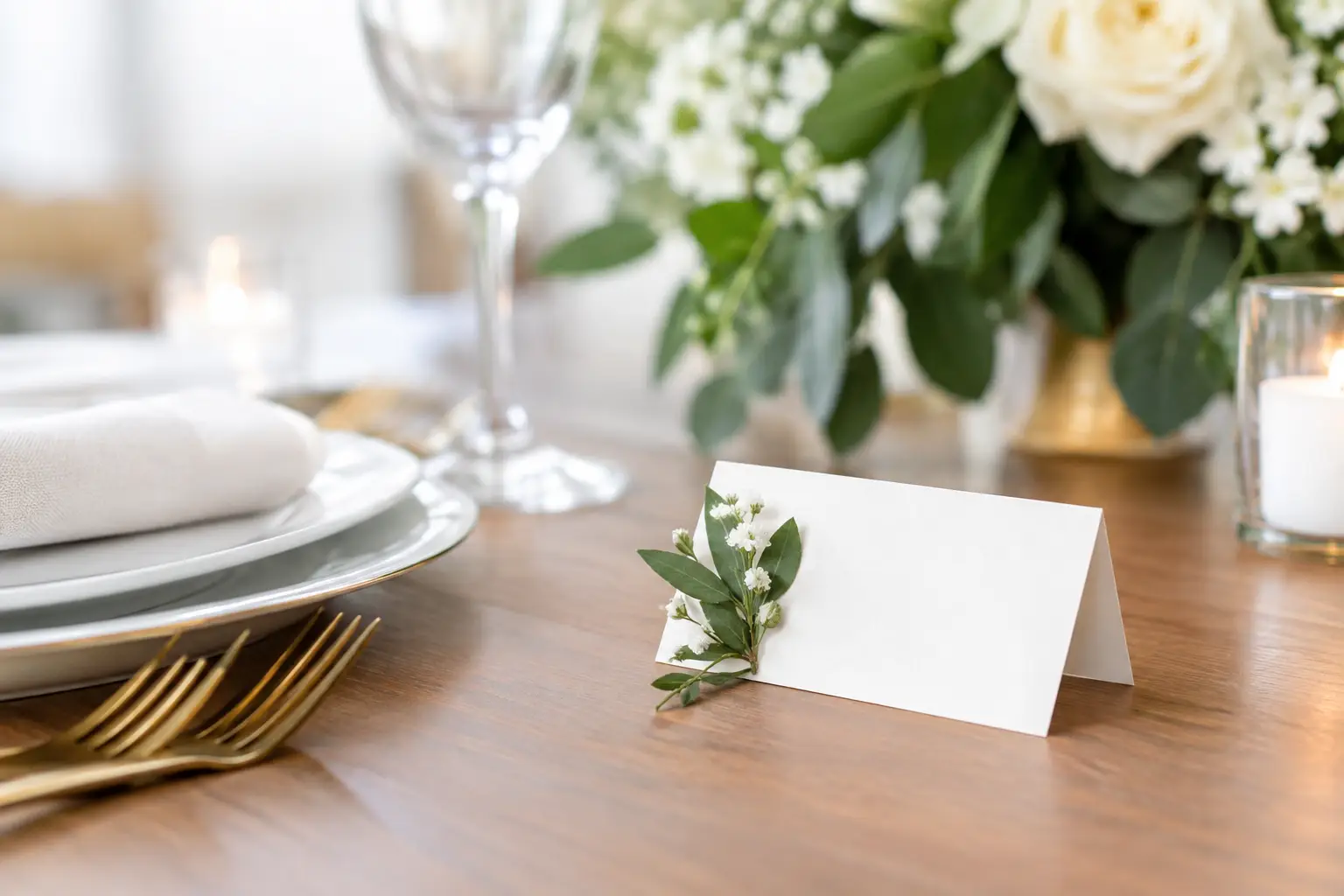
This wedding place card guide covers the decisions that make cards clear, polished and practical, from the difference between place cards and escort cards to the printing checks that prevent awkward day-of surprises.
Wedding place card guide: start with the right purpose
A place card tells a guest exactly where to sit. It is usually placed at the individual setting and includes their name, and sometimes their meal selection or dietary marker. An escort card directs a guest to a table, but not necessarily to a specific chair. A seating chart displays the same table information on one larger sign.
The right option depends on how precise your seating plan needs to be. If guests can choose any chair at their allocated table, a seating chart or escort cards may be enough. If you need particular people beside each other, want to manage meal service neatly, or have a formal head table, individual place cards are the better choice.
Many weddings use both a seating chart at the entrance and place cards on the tables. That approach costs a little more and requires careful matching, but it gives guests reassurance as they enter and removes uncertainty once they reach their table.
Want to turn this guide into a real seating chart in minutes?
Vesavo handles messy guest lists and builds smart table arrangements automatically. Free for up to 50 guests.
Build the seating plan before designing anything
Place cards are an output of the seating plan, not the starting point. Designing them before names, tables and meal choices are final creates unnecessary rework.
First, confirm your guest list and decide how you will display names. Formal events may use full names, such as “Dr Priya Shah” or “Mr and Mrs Daniel Hart”. For a relaxed celebration, first names can feel warmer. The key is consistency, particularly where multiple guests share a first name or surname.
Next, finalise table names or numbers. If you use names, choose ones that are easy to spell and recognise at a glance. A travel theme can be lovely, for example, but “Santorini” is simpler for guests and staff to find than a collection of obscure location references.
Then assign individual seats where required. Consider relationships, mobility needs, accessibility, children, family dynamics and the flow of conversation. Keep wheelchair users and guests with limited mobility in positions with clear access, rather than simply adding them to the closest table. Place cards should reflect thoughtful planning, not force guests to negotiate furniture or squeeze past other diners.
For a larger guest list, use one controlled source of truth. A seating platform that accepts your existing CSV or Excel file can reduce duplicate versions and manual copying. Vesavo, for example, can organise guest data, help assign seats using your planning rules, and export place cards alongside table plans and seating charts.
Choose wording that guests can scan quickly
A place card does not need much text. The guest’s name is essential. Table details are optional if a seating chart has already directed them there, but including the table number can be useful for staff and for guests who have arrived without checking the chart.
For individual cards, use the name guests know themselves by. If your cousin is universally called “Kate” rather than “Katherine”, use Kate unless the wedding is deliberately very formal. Avoid nicknames that could confuse venue staff or feel overly familiar.
Meal information can be shown discreetly. Some couples use a small icon, coloured dot, letter code or a short label such as “V” for vegetarian. Keep codes simple and make sure the catering team has a matching key. Do not rely on a subtle colour distinction alone, as it can be difficult to read in dim reception lighting and may not be accessible to every staff member.
Dietary requirements are best handled with care. A card may indicate the meal category, but it does not need to display a guest’s specific allergy or medical information where other guests can see it. Give the venue a detailed, current dietary list separately and agree on how servers will identify the correct meals.
Match the format to your reception setup
Tent cards remain the most practical format. They stand upright at each setting, are easy to spot, and hold their shape throughout dinner. Flat cards can look refined, especially when placed on menus or napkins, but they may shift in breezy outdoor settings or disappear among busy table styling.
Consider the actual conditions, not just the look in a styled photo. For an outdoor wedding, heavier card stock and a stable folded design are safer. For a candlelit dinner, increase font size and contrast. For a long banquet table, check whether the cards are visible around florals, glassware and shared platters.
The card needs enough blank space around the name to remain readable. Script fonts can work beautifully for a single first name, but they are harder to scan when every guest has a longer name. A reliable approach is a decorative font for a small heading or table name, paired with a clean serif or sans-serif font for guest names.
Design for clarity before decoration
Your stationery should feel connected, but place cards have a job beyond looking beautiful. Prioritise legibility, contrast and a size that guests can read without picking the card up.
Dark text on a light background is usually the safest choice. Pale ink, reflective foil and busy watercolour backgrounds can be elegant in close-up, yet challenging under low reception lighting. Print one sample at actual size and view it in a room with similar light before approving the full run.
If you are using a Canva design, avoid manually moving names from a spreadsheet into individual templates where possible. That method can work for a tiny guest list, but copy-and-paste introduces risks: a missed update, a duplicated name or a meal code attached to the wrong guest. Use an export designed for place cards or an integrated workflow that passes approved guest data directly into the layout.
Tip: Vesavo can do this for you automatically — just upload your list and let the AI handle groupings, plus-ones, and table balance.
Print only after a proper proofing pass
The final guest list can change right up to the RSVP deadline, so set a clear print cut-off with your stationer or venue. Before printing, check every card against the latest seating plan, not against an older email or personal notes.
Proof names alphabetically as well as table by table. Alphabetical checking makes spelling errors and duplicates easier to catch. Table-by-table checking confirms that each table has the right number of seats and that meal markers match the catering list.
Also check the practical details: card dimensions, folding direction, paper weight, print margins and the total quantity. Print extras on matching stock if possible. Blank cards, a fine pen and a small number of spare table settings can solve a late RSVP or an unexpected seating adjustment without disrupting the overall presentation.
Set up a calm handover for the day
Pack place cards in table order, clearly labelled, rather than in one large alphabetical stack. Your venue team or stylist should receive a table plan that shows where each card belongs, plus a separate list of late changes.
If cards include meal indicators, brief the catering manager on the system before guests enter the room. A well-designed card cannot fix a confusing handover. The staff member placing cards should know whether names face the guest, where the head table begins, and how last-minute substitutions will be handled.
For weddings with a day-of guest website, a digital seat finder can provide a useful backup. It does not replace clear physical signage, particularly for guests who prefer not to use their mobile, but it can reduce pressure when someone has misplaced their table assignment.
A place card is ultimately a quiet act of hospitality. When every name is correct, every chair is intentional and staff have the information they need, guests are free to focus on the part they came for: celebrating with you.