
If you have ever moved 14 guests between tables in a spreadsheet the night before an event, you already know the real issue is not data entry. It is control. Digital seating chart versus spreadsheet planning becomes a very practical question when RSVPs shift, family politics surface, and VIP placement suddenly matters more than your original plan.
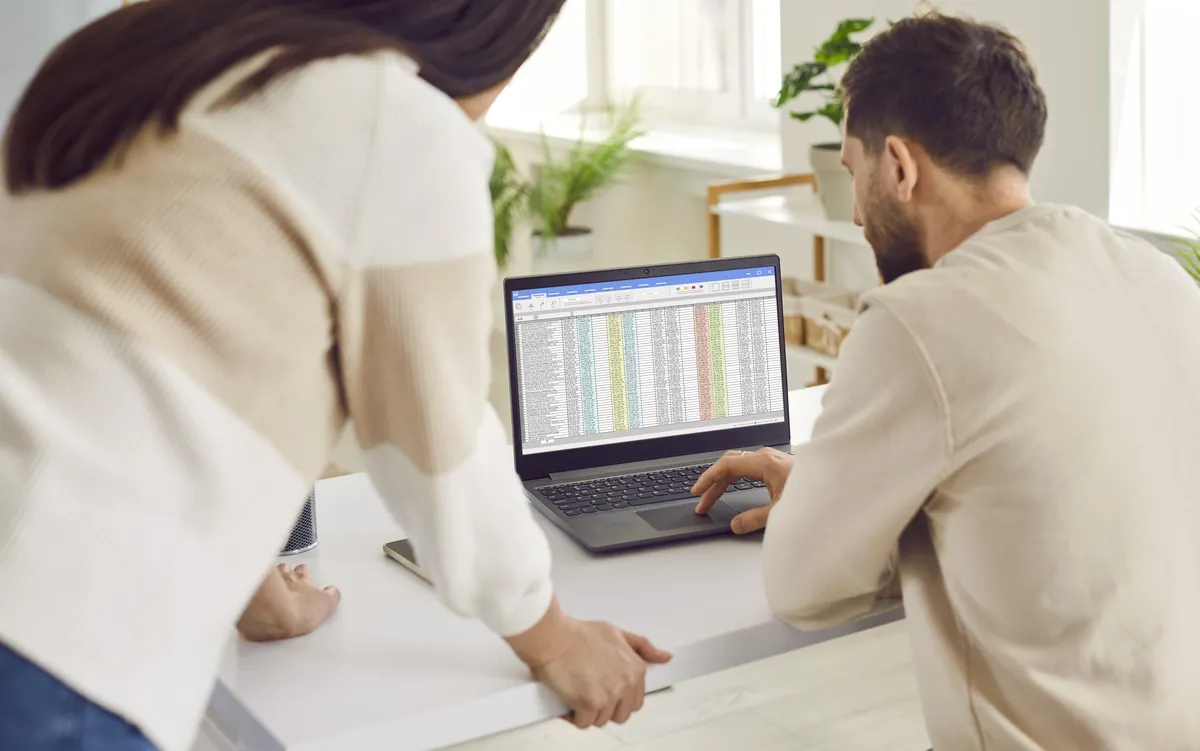
For small, simple gatherings, a spreadsheet can still do the job. But once your event has multiple tables, dietary notes, sponsor requests, family groupings, or last-minute changes, the planning method starts to shape the outcome. The difference is not just convenience. It affects speed, accuracy, collaboration, and how confident you feel sending the final floor plan to the venue.
Digital seating chart versus spreadsheet planning: what actually changes?
A spreadsheet is built for rows, columns, sorting, and basic record keeping. It is useful for maintaining a guest list, tracking RSVP status, and keeping notes in one place. Many planners start there because it is familiar and already part of their workflow.
A digital seating chart is built for placement. Instead of treating guests as cells in a grid, it treats them as people who need to sit somewhere specific, near or away from other people, at tables with real capacity limits and event logic behind them. That distinction matters more than it sounds.
When you use a spreadsheet for seating, you are creating a workaround. You might colour-code tabs, duplicate sheets, drag names around, and build your own system for table counts. It can work, but it relies heavily on manual consistency. A digital seating tool reduces that friction by making table assignments visual, structured, and easier to update without breaking the whole plan.
Want to turn this guide into a real seating chart in minutes?
Vesavo handles messy guest lists and builds smart table arrangements automatically. Free for up to 50 guests.
Where spreadsheets still make sense
It would be unfair to pretend spreadsheets have no place. They are flexible, widely available, and perfectly reasonable in the early planning phase. If you are managing a 30-person birthday lunch with straightforward relationships and no formal seating output required, a spreadsheet may be enough.
They are also handy as source files. Guest data often begins in Excel or CSV format, especially for corporate events, school functions, donor dinners, or large weddings where multiple people contribute names and details. In that sense, spreadsheets are excellent containers for information.
The problem starts when information needs to become action. A spreadsheet can tell you who is attending. It is much less effective at showing whether Table 7 is over capacity, whether a sponsor has been placed in the right section, or whether separated family members have accidentally ended up side by side.
The hidden cost of spreadsheet planning
Spreadsheet planning often looks cheaper because the software is already there. But the real cost sits in the hours spent adjusting layouts, checking counts, fixing mistakes, and explaining the latest version to everyone else.
This is where manual planning tends to create quiet risk. One guest moves, then a partner must move too. A table hits capacity, so another group gets reshuffled. A venue manager asks for a cleaner floor plan. Suddenly a task that looked manageable turns into a chain reaction.
For professional planners and venue teams, that time has a real operational cost. For private hosts, it usually shows up as stress. Either way, spreadsheet chaos rarely arrives all at once. It builds gradually, then peaks at the worst possible time.
Why digital seating charts work better for real events
A digital seating chart is not just a prettier interface. It changes the mechanics of the job.
First, it makes seating visual. You can see tables, capacities, guest placement, and overall flow in one view. That is much faster than reading across tabs and trying to picture the room in your head.
Second, it supports changes without forcing a rebuild. If a couple cancels, or a VIP needs to move closer to the stage, the plan updates in a format designed for movement. You are not patching together formulas and hoping no one sorted the wrong column.
Third, it can account for real seating rules. Family groups, relationships, internal reporting lines, donor tiers, sponsor visibility, and accessibility needs are not edge cases. They are standard event realities. A dedicated platform can handle those variables with more structure and fewer mistakes.
That is especially useful for weddings, galas, corporate dinners, and awards nights, where seating is part logistics and part diplomacy.
Tip: Vesavo can do this for you automatically — just upload your list and let the AI handle groupings, plus-ones, and table balance.
Accuracy matters more as guest counts grow
The larger the event, the less forgiving a manual process becomes. At 50 guests, you can probably keep most seating logic in your head. At 150, details start slipping. At 300 or 500, even experienced coordinators need a system that reduces mental load.
This is where digital seating chart versus spreadsheet planning becomes less of a preference and more of a workflow decision. Large events involve multiple stakeholders, imported guest lists, and layered priorities. The best planning method is the one that keeps all of that manageable without slowing the team down.
A specialised seating platform also helps when data comes from different sources. One person may send a donor list, another a bridal party update, another a sponsor brief. Bringing that into a single seating environment is far more reliable than maintaining separate spreadsheet versions and hoping everyone is working from the right file.
Collaboration is easier when the plan is built for sharing
Seating is rarely handled by one person from start to finish. A wedding planner may need client approval. A venue team may need table layouts. An executive assistant may need leadership sign-off. A family host may need to check names with relatives.
Spreadsheets can be shared, but they are not always easy to interpret quickly. People need context. They need to understand what changed, where each guest sits, and whether the plan is final.
Digital seating charts are easier to review because the output matches the real-world task. You can share a clean table plan, polished chart, or place card export that makes immediate sense to staff and stakeholders. That reduces back-and-forth and helps everyone move faster.
Automation changes the experience, not just the speed
The strongest argument for digital seating is not simply that it saves time. It is that it makes better decisions easier to execute.
Automation can group households, account for relationships, balance tables, and support placement rules that would be tedious to manage by hand. That does not remove the planner's judgement. It supports it. You still decide what matters most, but the software helps apply that logic consistently.
That balance is important. Seating is never fully mechanical. There will always be human nuance, especially at emotionally charged or politically sensitive events. Good technology does not flatten that nuance. It gives you a better way to work with it.
For planners handling high-stakes events, that means fewer preventable errors and more confidence in the final room setup. For first-time hosts, it means getting to a polished result without needing expert spreadsheet skills.
So which option is right for you?
If your event is small, informal, and unlikely to change much, spreadsheet planning may be perfectly adequate. It is familiar, flexible, and easy to start.
If your event has multiple tables, layered guest relationships, formal outputs, or any chance of last-minute movement, a digital seating chart is usually the better choice. The more complex the event, the more that difference shows up in reduced stress, cleaner collaboration, and a stronger final result.
This is particularly true for anyone planning professionally or managing premium guest experiences. When seating affects donor relationships, executive visibility, family harmony, or the overall polish of the event, manual workarounds start to feel expensive very quickly.
That is why dedicated tools have become the practical choice for planners who want every seat, perfectly placed, without the spreadsheet chaos. Platforms such as Vesavo are designed around that exact shift - from manually managing names to confidently managing outcomes.
The best seating plan is not the one you fought with for hours. It is the one that lets you make smart decisions quickly, adapt when the guest list changes, and send the final layout with confidence. If your current process feels fragile, that is usually your answer.